
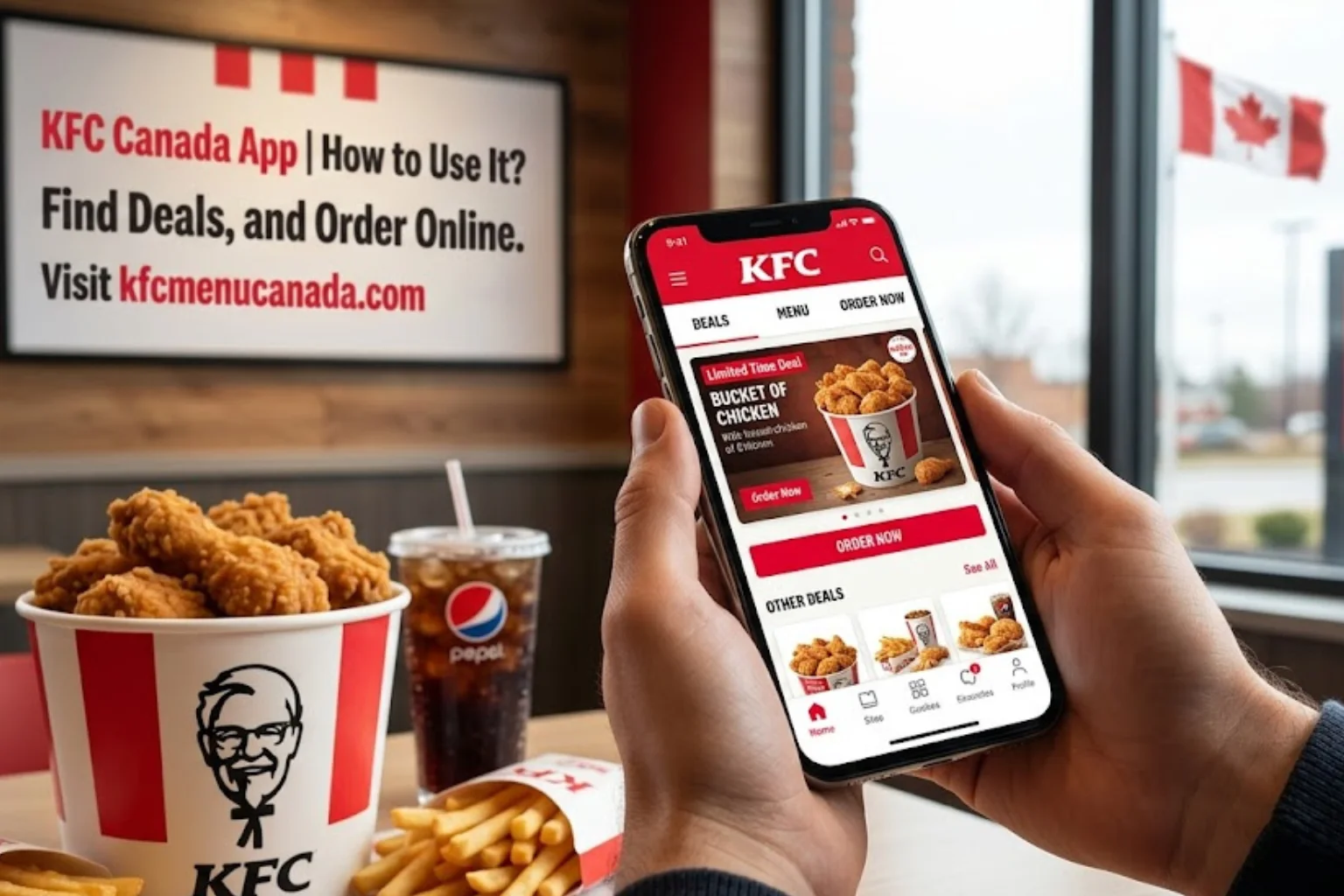
KFC Canada App | How to Use It? Find Deals, and Order Online
The KFC Canada app is where the best deals live. Exclusive weekly offers, the KFC VIP rewards program, app-only coupons, and the ability to order ahead for pickup or delivery it’s all in one place, and it’s free to download. This guide walks you through everything: how to get the app, how to use it, and how to get the most out of it every single week.
If you are still ordering KFC the old-fashioned way walking up to the counter without a plan you are leaving money on the table.
What Is the KFC Canada App?
The KFC Canada app is the official mobile ordering app for KFC in Canada, available for both iPhone (iOS) and Android. It lets you:
- Browse the full KFC Canada menu with prices
- Place orders for pickup or delivery directly through KFC
- Access exclusive app-only deals and weekly offers
- Earn and redeem KFC VIP rewards points
- Track your order in real time
- Customize your meals (extra pickles? that’s on you)
- Log in securely using Face ID or Touch ID
The app is published by Kentucky Fried Chicken Canada Company and is available free on both the Apple App Store and Google Play Store.
How to Download the KFC Canada App
Getting the app takes less than two minutes.
On iPhone (iOS):
- Open the App Store on your iPhone
- Search “KFC Canada”
- Tap Get to download (it’s free)
- Open the app once it installs
On Android:
- Open the Google Play Store
- Search “KFC Canada“
- Tap Install (free download)
- Open the app once it installs
The app ID on Google Play is com.kineticcafe.kfccolonelsclub if you search KFC Canada and don’t find it right away, searching that name will get you there. The developer is listed as Kentucky Fried Chicken Canada Company, headquartered in Vaughan, Ontario.
How to Set Up Your Account Step by Step
Once you have downloaded the app, creating an account is the first thing to do. You need an account to access deals, earn rewards, and place orders.
- Step 1 Open the app and tap “Sign Up” Enter your name, email address, and create a password. You can also enable Face ID or Touch ID for faster logins going forward.
- Step 2 Verify your email KFC will send a verification email. Click the link to confirm your account.
- Step 3 Join the KFC VIP Program This is separate from just having an app account. In the app (or at KFC.ca), sign up for the KFC VIP Program with your email address. As a welcome bonus, you get 25% off your next KFC.ca order just for joining. This is one of the most consistent deals KFC Canada offers confirmed by SaveaLoonie, the official kfc.ca promotions page, and multiple Canadian deal trackers.
- Step 4 Set your location Allow location access or manually enter your city/postal code. The app uses this to show you participating KFC locations near you and confirm which deals are active at your chosen store.
KFC App Features What You Can Actually Do
Order for Pickup
This is the core function most people use. Here is how it works:
- Open the app and tap Order
- Choose Pickup
- Select your nearest KFC outlet from the map or list
- Browse the KFC Canada menu and add items to your cart
- Apply any active deals or coupons
- Pay in-app using your saved card, Apple Pay, or Google Pay
- Pick up at the counter or drive-thru when your order is ready
Ordering ahead through the app skips the line and guarantees your deal price is applied before you arrive.
Order for Delivery
- Tap Delivery instead of Pickup
- Enter your delivery address
- Browse the menu and add your items
- Confirm your order and pay
- Track your delivery in real time through the app’s order tracker
Important: Some KFC Canada exclusive deals including the Twosdays chicken special ($2.99 for 2 pieces) are not available for delivery orders. They are only valid for in-store or pickup orders through the app or KFC.ca. Always check the deal terms before ordering.
Browse and Apply Deals
The Deals section of the app is where the real savings are. Tap the Deals tab to see:
- App-exclusive weekly offers (things like discounted bucket deals or combo upgrades that aren’t available in-store)
- Active coupons you can redeem in-store or at the drive-thru
- Limited-time promotions like Fill Up meals and seasonal offers
- Your personalized VIP offers
To redeem a deal: tap it, hit Redeem, and either scan the barcode at the counter or have it applied automatically at checkout for app orders.
Customize Your Order
The app lets you modify items before ordering add extra pickles, remove ingredients, or swap a side. This is something you ca not easily do at a busy drive-thru without feeling guilty about it.
KFC Rewards Canada How the VIP Program Works
The KFC VIP Program is KFC Canada’s loyalty system. Below is what’s confirmed:
| Feature | Details |
|---|---|
| Sign-up bonus | 25% off your next KFC.ca order |
| How you earn | Points for every dollar spent via app or KFC.ca |
| Points rate | 10 points per $1 spent |
| How you redeem | Via the “Secret Recipe Vault” in-app for free items like fries, popcorn chicken, sides, and more |
| Birthday reward | Free treat during your birthday month (reported by multiple Canadian deal trackers) |
| Cost to join | Free |
The Secret Recipe Vault is what KFC calls its rewards redemption catalogue. As your points build up, you can swap them for free menu items starting with sides and drinks, scaling up to sandwiches and buckets with more points accumulated.
Points are earned only on orders placed through the app or KFC.ca. In-store cash purchases do not count toward your rewards balance.
Pro tip: Even if you do not plan to use points long-term, signing up for the VIP program triggers the welcome offer immediately. That 25% off your first online order has real value use it on a bucket order and the savings are significant.
KFC Canada Online Coupons
The app is the primary home for KFC Canada online coupons, but there are a few different types worth knowing about:
| Coupon Type | Where to Find It | How to Use |
|---|---|---|
| App-exclusive deals | KFC Canada app → Deals tab | Tap Redeem during checkout |
| VIP email offers | Email inbox after signing up | Enter code at checkout on KFC.ca |
| Printable coupons | KFC.ca → Coupons page | Print and bring to store |
| Promo codes | Coupon sites, KFC mailers | Enter during online checkout |
App-exclusive deals are often the best value. The KFC Canada app regularly features offers like discounted sandwich combos, 10-piece bucket deals, and Buy One Get One promotions that are simply not available in-store or through third-party delivery apps. Checking the app before every KFC order is a genuinely good habit the deals rotate weekly.
For a full current list of every available KFC Canada coupon and promotion, our KFC Coupons Guide keeps it all in one place.
Quick Tips for Getting the Most Out of the KFC App
- Check the Deals tab before every order app offers change weekly and some are only live for a few days
- Sign up for VIP immediately the 25% welcome discount is the easiest saving you’ll ever get at KFC
- Use Face ID / Touch ID faster login, faster ordering
- Order pickup for Tuesday deals Twosdays ($2.99 deal) and Sandwich of the Day are not available on delivery orders
- Stack your savings use a printable coupon for in-store orders and app deals for online orders; just note KFC allows one coupon per transaction
- Find your nearest KFC first the app’s location feature confirms which deals are active at your local KFC outlet before you commit to the drive
Frequently Asked Questions (FAQs)
Conclusion
The KFC Canada app is genuinely worth downloading not just as a convenience tool, but as a real money-saving tool. Between the 25% welcome discount, weekly app-exclusive deals, the KFC rewards Canada points program, and the ability to lock in Twosdays and Sandwich of the Day pricing before you even leave the house, regular app users consistently pay less than walk-in customers.
Here is a quick recap of the best reasons to use it:
- Free to download iOS and Android, no fees
- 25% off your first KFC.ca order when you join KFC VIP
- 10 points per $1 spent redeemable for free food in the Secret Recipe Vault
- App-exclusive weekly deals not available in-store or on delivery apps
- Order ahead for pickup skip the line and guarantee your deal is applied
- Real-time delivery tracking built right in
For more on saving money and getting the most out of KFC Canada:
- Read more guides and tips on our Blogs page
- Learn about our site on the About Us page
- Got a question? Reach us at Contact Us
- Review our Privacy Policy and Terms and Conditions